
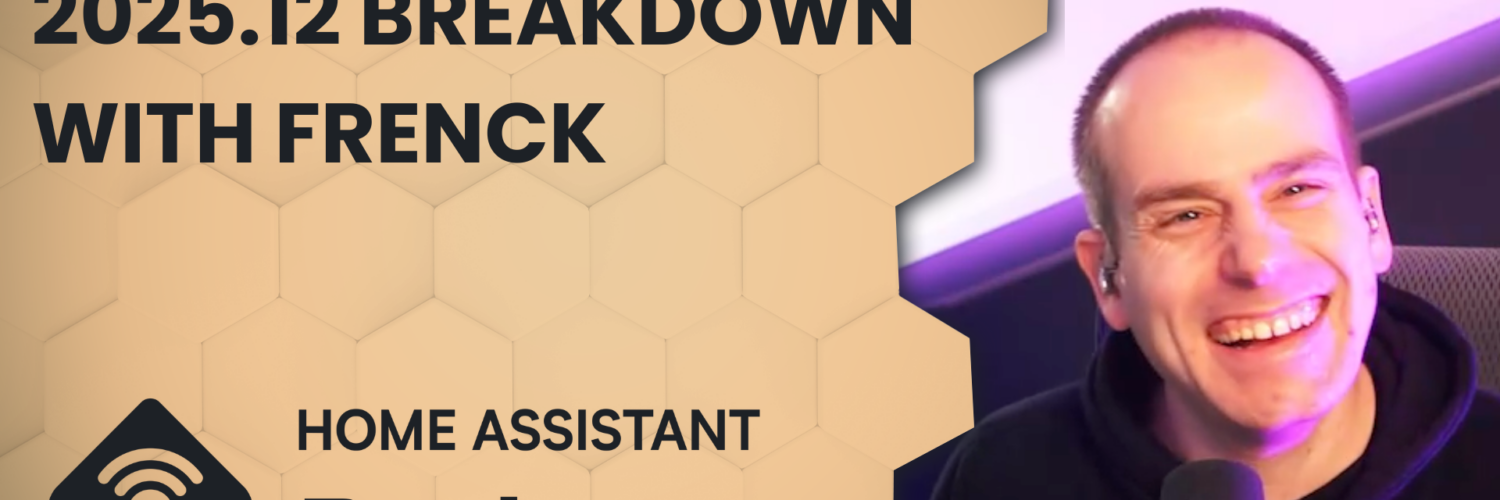
We’re closing out the final Home Assistant release for 2025 with Frenck and a massive Home Assistant 2025.12. Home Assistant Labs, purpose‑specific triggers and conditions, a smarter automation UI, real‑time power flows in Energy, Android Auto/Widgets improvements, tons of new integrations, and more. Plus hardware talk: ZBT2, Zigbee 4, and Matter.js joining the Open Home Foundation.
Headlines
- Final release episode for 2025!
- ZBT-2 and Zigbee 4
- matter.js joins the Open Home Foundation
Ingo Fischer has donated their matter.js Ingo now works full-time for the Open Home Foundation to work on matter.js
Matter.js is a typescript based SDK for developing Matter servers and devices, an alternative to the official SDK released by the CSA which is based on C++.
Home Assistant now intends to move their Matter server to use matter.js under the hood, and get re-certified. - Arduino moving away from Open Source
Qualcom have acquired open source electronics company Arduino this year, which our community is all to familiar with.
There have been new terms and conditions and privacy policies since then, including “forbidding users from reverse-engineering the platform without permission”
New Features
- Home Assistant Labs
A new area to enable experimental or coming soon features for Home Assistant. The first two labs features are a winter mode, and purpose specific triggers and conditions. - Purpose-specific triggers and conditions
This introduces new ways to trigger automations or assign conditions to them.
At the core of Home Assistant automations has been the Home Assistant state engine. The bread and butter of triggers and conditions being a trigger on a state or numeric state.
This new feature introduces some new trigger and condition types, which are more granular and intuitive. For example when triggering when a media player entity changes to playing music, you would look at a state change event to ‘playing’. Now you can add a trigger with the trigger type of “media_player.stopped_playing” and the target of the media player.
When selecting devices through the automation editor, the devices are layed out based on area, device and then sub-device as required. - Dashboards!
You can now set a system-wide default dashboard for your Home Assistant instance. Previously this was based on a user setting
Experimental dashboards are no longer marked as experimental (as that’s what Labs would be for now). The “home” dashboard is now an official dashboard, and will show in the dashboard list.
There’s a new sidebar to the Home dashboard that gathers quick access links. There’s also a nicer area and floor layout that uses space more efficiently. Just a heads up there is a chance your current favourites might disappear in this release and need to be re-added. This is due to the migration of this dashboard from a strategy to a built-in dashboard.
The dashboard editor now includes the undo and redo feature that we added in 2025.10 to the automation and script editor. This allows you to experiment safely while editing your dashboards. You can undo up to 75 changes or restore them with a single click, making editing dashboards faster and less stressful. - Power and Water
With this release, you can now configure power sensors alongside your energy sensors. Track your real-time grid consumption, see how much you’re exporting back to the grid, and watch those watts flow in real-time. The power configuration options now appear alongside energy settings for each source or device, and new power graphs let you see your power consumption throughout the day.
You can now also track downstream water devices - Android
Starting with app version 2025.11, you can now add entities to widgets and Android Auto favourites directly from the entity’s more information dialog.
With just a few taps, you can:
Add widgets for quick control of entities right from your home screen
Set entities as Android Auto favorites, making them quickly accessible in your car - ESPHome Entity IDs
The ESPHome integration has been updated to let Home Assistant generate entity IDs using its standard rules, aligning it with how other integrations work. - Tuya
Has received a lot of love, including Cat litter boxes now expose switches, buttons, lights, and sensors for controlling your pet’s automated litter box.
Doorbell events are now supported - OpenAI now supports GPT5.1
- SQL
The SQL integration now supports using templates in your queries, giving you more flexibility when querying your databases. - Bang & Olufsen
Can now use the Beoremote One with Home Assistant. The remote’s buttons are exposed as event entities - Logbook
The logbook card now supports filtering by state, making it easier to see specific events. - Bar Gauge
There is nowminandmaxoptions to the bar gauge feature for tile cards, giving you more control over the gauge range.
New Integrations
- Airobot
Control and monitor your Airobot smart thermostats for intelligent floor heating control via the local REST API. - Anglian Water (UK)
Integrate your Anglian Water smart water meter to track water usage and consumption costs - Backblaze B2
Use a Backblaze B2 cloud storage bucket as a backup location for your Home Assistant backups. - Essent
Monitor dynamic electricity and gas prices for Essent customers in the Netherlands with variable pricing contracts. - Google Air Quality
Use Google Weather as a source for weather data, providing current conditions, hourly forecasts for the next 24 hours, and daily forecasts for the next 10 days - Hanna
Fetch pool water quality data from your Hanna Pool Controller device, including pH, chlorine, ORP values, and water temperature. - Philips Hue BLE
Control your Philips Hue Bluetooth lights directly with Home Assistant, without the need for a Hue Bridge. - Saunum
Integrate your Saunum Leil sauna control unit to precisely control temperature and monitor your sauna’s operation - Victron BLE
Integrate Victron Energy devices that support the Bluetooth Low Energy protocol for real-time monitoring.
Chapters
00:00:00 Welcome
00:03:30 Frenck’s streaming cadence and creator burnout
00:06:45 Moving houses: keep or strip the smart home?
00:10:46 EV charger dilemma & e‑waste perspective
00:12:50 2025 recap: guests, sponsors, community
00:15:50 Home Assistant ZBT-2 launch, Zigbee 4 headlines, migrations
00:19:10 Open Home Foundation structure & focus areas
00:22:59 Matter.js joins OHF and why it matters
00:24:59 Arduino policy changes & the ESPHome angle
00:25:34 2025.12 overview and Labs introduction
00:26:44 Home Assistant Labs: opt‑in previews, backups, feedback
00:31:55 Purpose‑specific triggers & conditions explained
00:40:50 New automation UI: target‑first and context‑aware
01:03:17 Home dashboard upgrades & the new For You sidebar
01:13:21 Energy dashboard: live power flows and water devices
01:19:40 Android: Add to Widgets & Android Auto favorites
01:23:13 ESPHome entity IDs standardized for new devices
01:24:17 Pet tech: Tuya litter boxes and assorted updates
01:25:10 OpenAI model update, SQL templates, UI card tweaks
01:27:49 New integrations roundup (Hue BLE, Victron BLE, more)
01:32:18 Template helper deprecation, repairs, migration path
01:35:38 Integration removals: Domino’s & Hive alarm changes
01:36:54 32‑bit/supervised deprecation & migration guidance
01:40:25 CES plans, upcoming episodes
00:03:30 Frenck’s streaming cadence and creator burnout
00:06:45 Moving houses: keep or strip the smart home?
00:10:46 EV charger dilemma & e‑waste perspective
00:12:50 2025 recap: guests, sponsors, community
00:15:50 Home Assistant ZBT-2 launch, Zigbee 4 headlines, migrations
00:19:10 Open Home Foundation structure & focus areas
00:22:59 Matter.js joins OHF and why it matters
00:24:59 Arduino policy changes & the ESPHome angle
00:25:34 2025.12 overview and Labs introduction
00:26:44 Home Assistant Labs: opt‑in previews, backups, feedback
00:31:55 Purpose‑specific triggers & conditions explained
00:40:50 New automation UI: target‑first and context‑aware
01:03:17 Home dashboard upgrades & the new For You sidebar
01:13:21 Energy dashboard: live power flows and water devices
01:19:40 Android: Add to Widgets & Android Auto favorites
01:23:13 ESPHome entity IDs standardized for new devices
01:24:17 Pet tech: Tuya litter boxes and assorted updates
01:25:10 OpenAI model update, SQL templates, UI card tweaks
01:27:49 New integrations roundup (Hue BLE, Victron BLE, more)
01:32:18 Template helper deprecation, repairs, migration path
01:35:38 Integration removals: Domino’s & Hive alarm changes
01:36:54 32‑bit/supervised deprecation & migration guidance
01:40:25 CES plans, upcoming episodes